



A space of your own.
Keep your data on your device, with optional backup and passcode or biometric lock.
 PE Trainer Get the app
 Find your focus. Build your routine.
Keep every session in view.
Start with one session.
Build a picture that’s entirely yours.
Choose a routine, connect a supported device, or track manually. Your next session starts right here.
Explore the appSessions, personal notes, and your training calendar. A record of the time you make for yourself.
Explore the appLook back at your sessions, explore your trends, and see how your routine takes shape over time.
Explore the appStart a timer. Settle into your routine. Give your session your attention, and let PE Trainer keep track of the details.
Scroll to advance the timer.
Free courses for your PE training journey.
Explore the course library in PE Trainer, then put your learning into practice. Build a routine, track your pump or extender sessions, and follow your consistency in the same app.
Discover the free coursesBring supported Bluetooth pump and extender devices into your routine. See live session metrics alongside your training history.
Check your device’s compatibility
Your routine lives in PE Trainer.
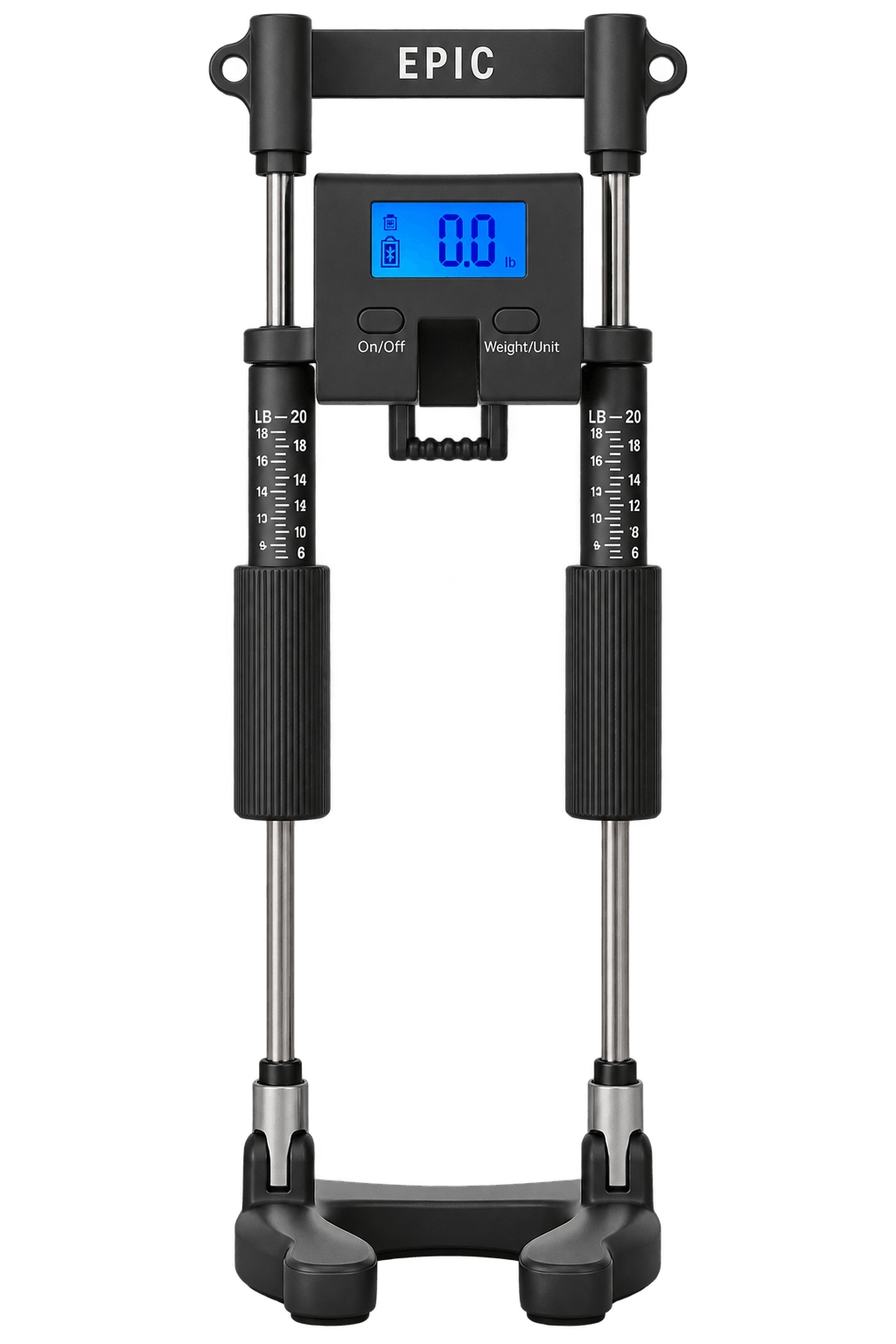
Your hardware starts at Epic Extender.
Epic Extender is our device brand. Explore extenders, pumps and accessories at epicextenders.com.
Pressure in view.
Your routine in your hands.
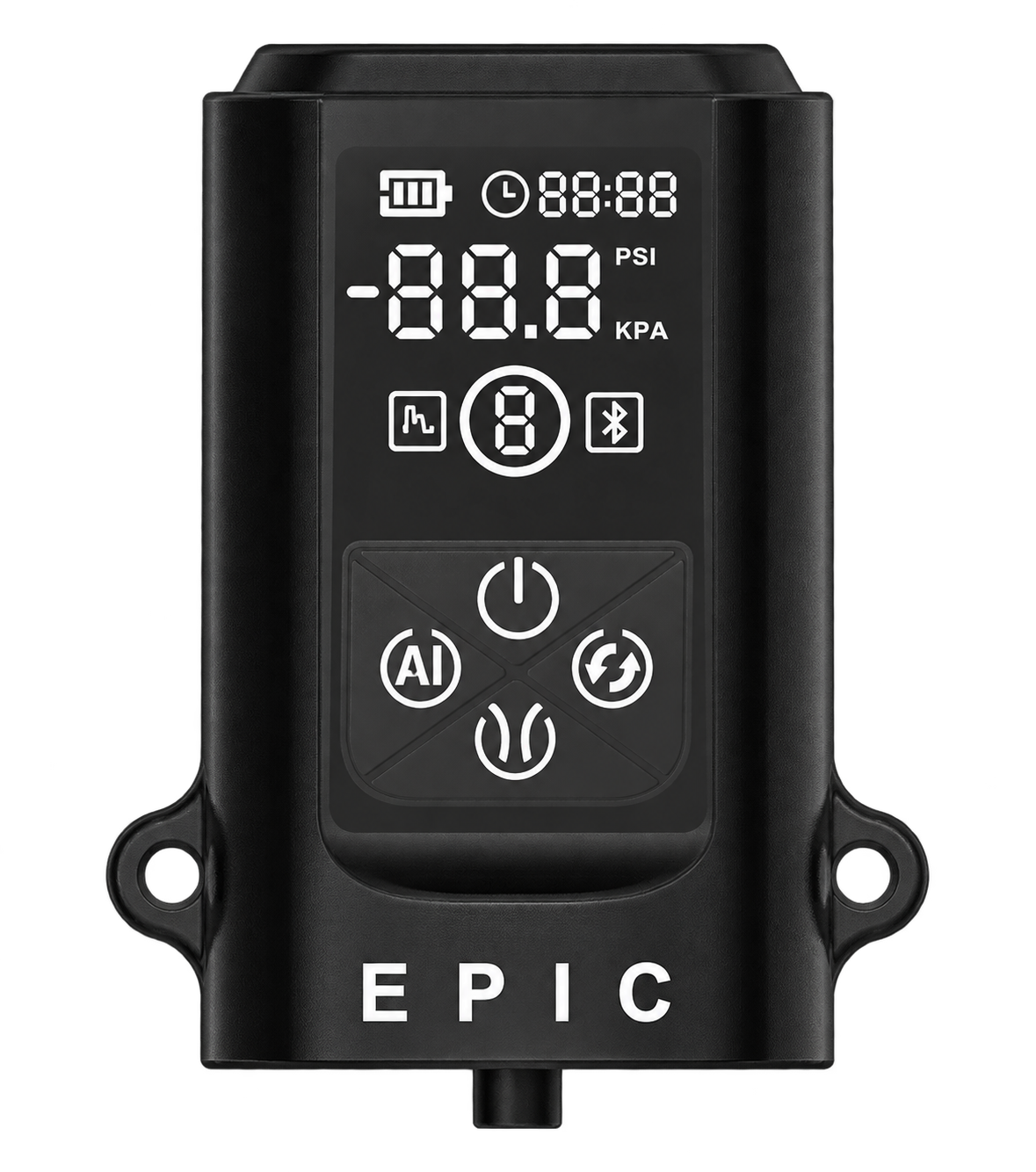
A digital pressure display and interval mode put the controls right where you need them. Explore air and water options, cylinders and kits in our store.
Build your routine in PE Trainer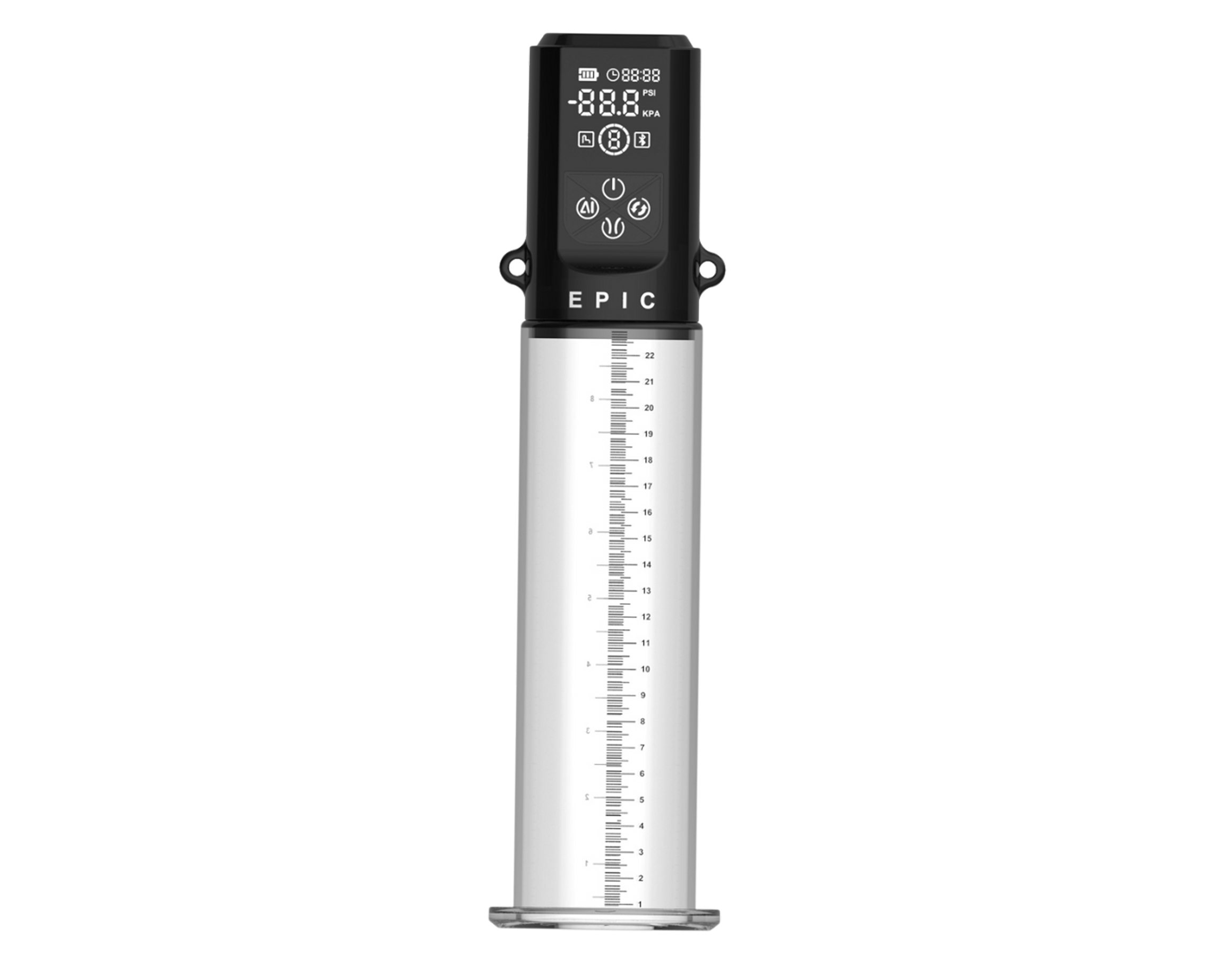
Individual routines.
A shared commitment to consistency.
Loading the latest standings from PE Trainer.
Join the optional leaderboard in PE Trainer.
Find your community App lock previewLocked
Keep your data on your device, with optional backup and passcode or biometric lock.
Discreet notifications that give you a nudge, without giving anything away.
The leaderboard is entirely opt-in. Export your records or delete your data in the app.
Explore devices and accessories at Epic Extender, our device brand. For Bluetooth connectivity, check the supported models in PE Trainer’s device settings before choosing your setup.
Yes. PE Trainer includes free courses in the app. Explore the course library and learn at your own pace.
Yes. PE Trainer is a general-purpose training and tracking app. All content, notifications, and interface elements are designed to be neutral and discreet.
PE Trainer supports a range of Bluetooth-enabled pump and extender devices. Compatibility depends on the specific model and firmware version. Check the app's device settings for the latest supported list.
Absolutely. You can use PE Trainer in standalone mode to build routines, track sessions manually, and monitor your progress without connecting any device.
Your data stays on your device by default. Optional cloud backup is available. You can enable passcode or biometric lock, and all notifications are designed to be discreet.
Set custom reminders for your routines. Notifications are discreet — they don't reveal any details about the app or your activities on your lock screen.
Yes. PE Trainer includes a full data export feature so you can download your session history, routines, and progress data at any time.
The leaderboard is completely opt-in. You can disable it at any time from Settings, and your data will be removed from the rankings.
Make sure your device's Bluetooth is enabled and the device is in pairing mode. Try restarting both the app and the device. If issues persist, check that your device model is supported and firmware is up to date.
Yes. You can delete all your data from within the app at any time. Go to Settings > Data Management > Delete All Data. This action is permanent.
PE Trainer offers a free tier with core features. Premium features like advanced analytics and additional device profiles may be available through an optional subscription.
PE TrainerMake a little space for yourself.
Get PE Trainer on iOS and Android.